The power of YouTube reuploads… In the palm of my hand
For the last decade, I was a Spotify Premium user. I made playlists that I only listened to once or twice. I had a running tab of every song I liked over the course of 10 years, which featured tracks I mostly skipped when they would shuffle on. I was more than happy with my experience as a Spotify user for the better part of 10 years.
But with the rising cost of the “music” platform that pays artists as little as possible and is also hellbent on becoming a video platform, it felt like it was time to ditch Spotify for YouTube Premium/YouTube Music, when I saw that Verizon was offering a discounted rate for YouTube Premium, that was the final nail in the coffin for Spotify.
Now, a few months later, YouTube Music has become my daily music/podcast app and I don’t regret the switch at all.

Both Spotify and YouTube Music are more than fine when it comes to being a music and podcast platform. If both platforms were the same price, I most likely would have just stuck with Spotify, but getting a better deal for YouTube Premium (even if it is just a few bucks a month) was enough encouragement to make the change.
YouTube Premium is the all-in-one package that YouTube offers for ad-free videos, YouTube Music, video downloading, and a higher bitrate viewing experience. YouTube Music takes advantage of the billions of videos uploaded to YouTube and turns them into a traditional music app like Spotify or Apple Music. Having the entire catalogue of YouTube is one of the biggest advantages of YouTube Music. From official music releases to video game soundtracks to artists who don’t give their music to streaming platforms and have had their music uploaded to YouTube without their approval, YouTube Music is built on the backs of those who want to share music. (Whether it’s theirs or not)
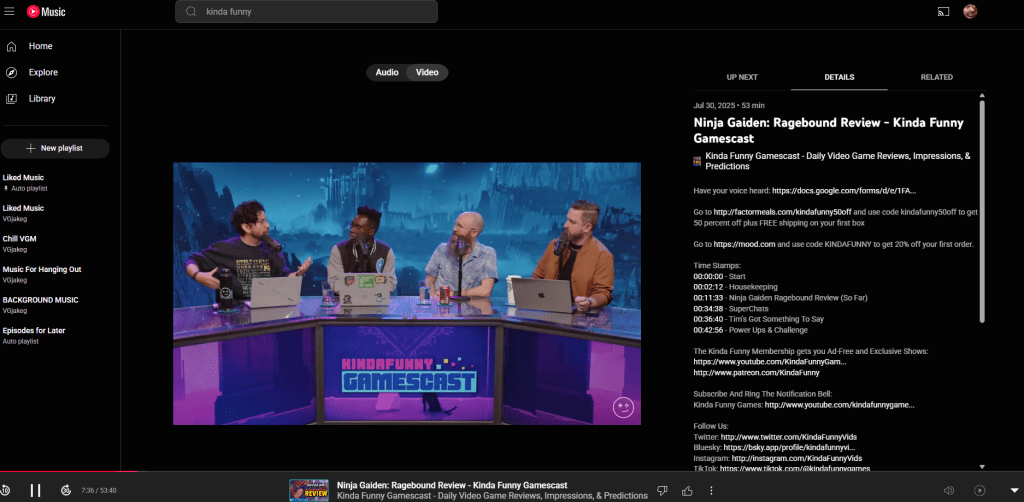
Another added benefit of YouTube Premium is being able to play videos with your phone screen locked. So for those who listen to old Let’s Plays or rainfall ASMR while trying to fall asleep, YouTube Premium turns any video into just audio without having to leave your phone screen on all night.
Generally, I had been using Spotify just for music and podcasts. The video direction Spotify is headed didn’t interest me a whole lot, and honestly, it just got in the way at times when I just wanted audio to play. While stuff like Spotify Jams was cool for the once or twice a month I would use it with friends, I really just need music and podcasts to play when I want.
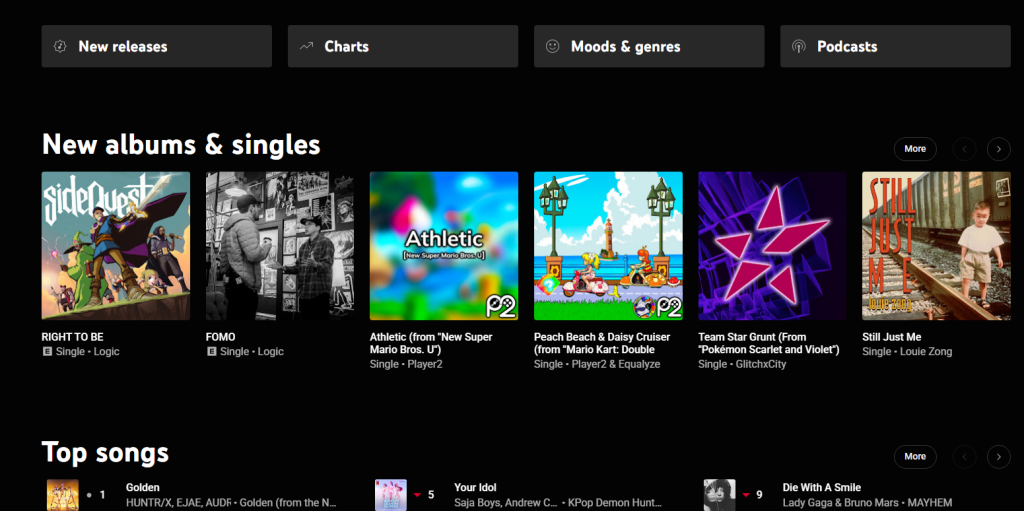
YouTube Music is exactly that. As I have started to build new playlists and tweak existing ones that I imported from Spotify or already had on YouTube, YouTube Music is a straightforward music platform I would feel comfortable recommending to anyone in need of something new and free from the shackles of Spotify or Apple Music.
While I understand it’s hypocritical to dislike the video elements Spotify had been adding and then switch to YouTube, with YouTube, I know what to expect from the video platform. Spotify just needed to be about audio for me, and now that they are diving into being more video-focused, I might as well be on the better video-centered platform of YouTube.
When it came time for me to make the switch to YouTube Music, I used a site called www.tunemymusic.com. This site took my playlists and, in batches of a few hundred songs at a time, imported them into YouTube. Without paying for anything, only a few hundred songs could be moved at a time, and this took me a few imports to get everything I wanted moved.
The nice thing about this process was that it incentivized me to sift through my music and finally get rid of the tracks I would skip on shuffle anyway.
After making the move, about 95% of the tracks I imported came through as expected. But, since YouTube has so many uploads of just about every song, some tracks pulled the wrong version here or there, and tunemymusic also threw in a few German songs for some reason.
While I have been largely enjoying my new music home, not everything is perfect.
The three main platforms I listen to music on are: My phone, my PC, and my Xbox One X. While all three platforms work to listen to music, there is no dedicated YouTube Music app for PC or Xbox. On PC, the YouTube Music website works more than fine, but I would prefer an app I could use similar to Spotify. And on Xbox, there is no YouTube music app either, but the default YouTube app has my playlists and works fine, pulling up whatever is closest to the original version of each song.
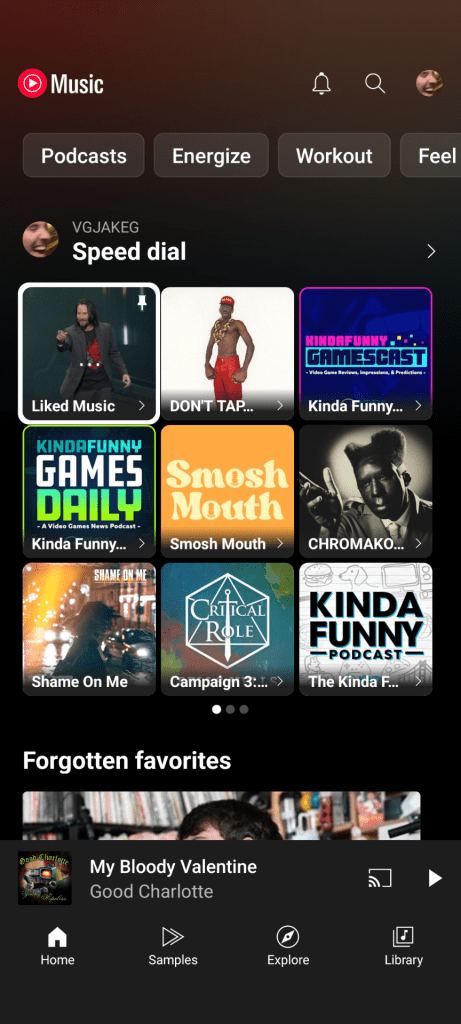
Something that I am still getting the hang of is the YouTube Music UI. It’s not a bad interface by any means, it’s just different from Spotify and contains less bloat by far. There are tabs for discovering new music, finding your old favorites, and the default playlists and podcasts tabs. It has what I’m looking for and a little of what I might want, without all the faff Spotify has added over the years. Some may find the YouTube Music UI a little TOO barebones, but I don’t mind it. It shows me what I want and cuts down on the time I spend finding the tracks I want to listen to.
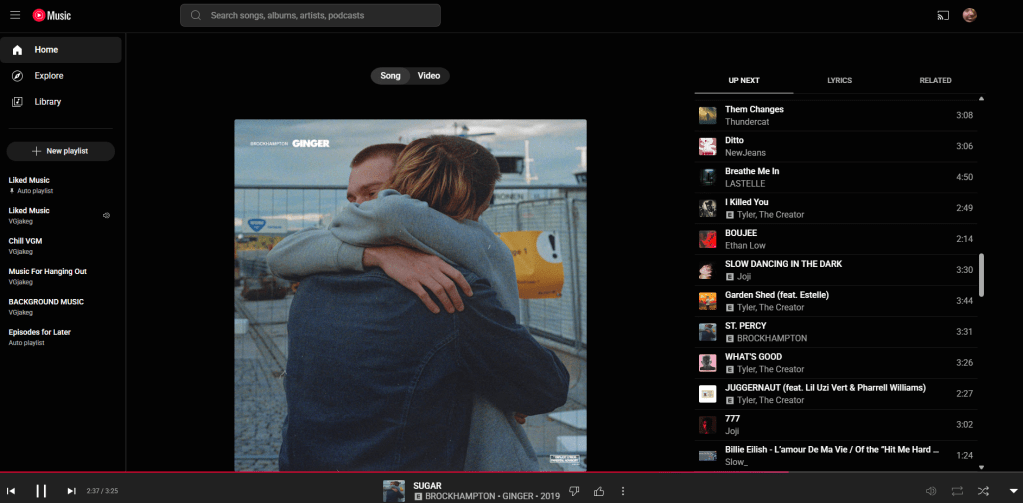
YouTube Music doesn’t push podcasts I don’t care about. It doesn’t have ads or announcements every time I open the app for artists I’ll never listen to. And it doesn’t beat me over the head with its annoying AI DJ that I never once clicked on.
YouTube Music isn’t going to be for everyone, especially those so deeply integrated into one platform or another. The thing I think that will hold most people back from switching is having to switch and transfer all their music. But for those who are looking to switch to a lighter platform with less bloat and way more songs, YouTube Music might be for you.






Leave a Reply